
Type a command in Discord. Get a voice-over, an image or a finished vertical video, captions included.
How it works.
What OmnimorphAI is and how to use it: type a command in Discord, get your voice-over, image or video back.
Dream.
Give it a topic or a script. It writes the story, draws the scenes, records the voice and burns in the captions. The finished video lands in the channel.
/morph dream
topic- The topic for the video
script- The script for the video
customize- Customize your output to your desires in a single wish!
/morph dream output: 44 seconds, narrated, captions burned in. Press play for the sound.Vocalize.
Paste a script, pick a voice and get a voice-over back, ready to download.
/morph vocalize
text- The text to convert
gender- Choose your preferred voice gender
0:00 / 0:11
/morph vocalize output. Eleven seconds of voice-over; the bars are its actual waveform.Visualize.
Describe a scene and get an image back. Add one wish in customize to steer the look.
/morph visualize
scenario- The scenario for generating the image
customize- Customize your output to your desires in a single wish!
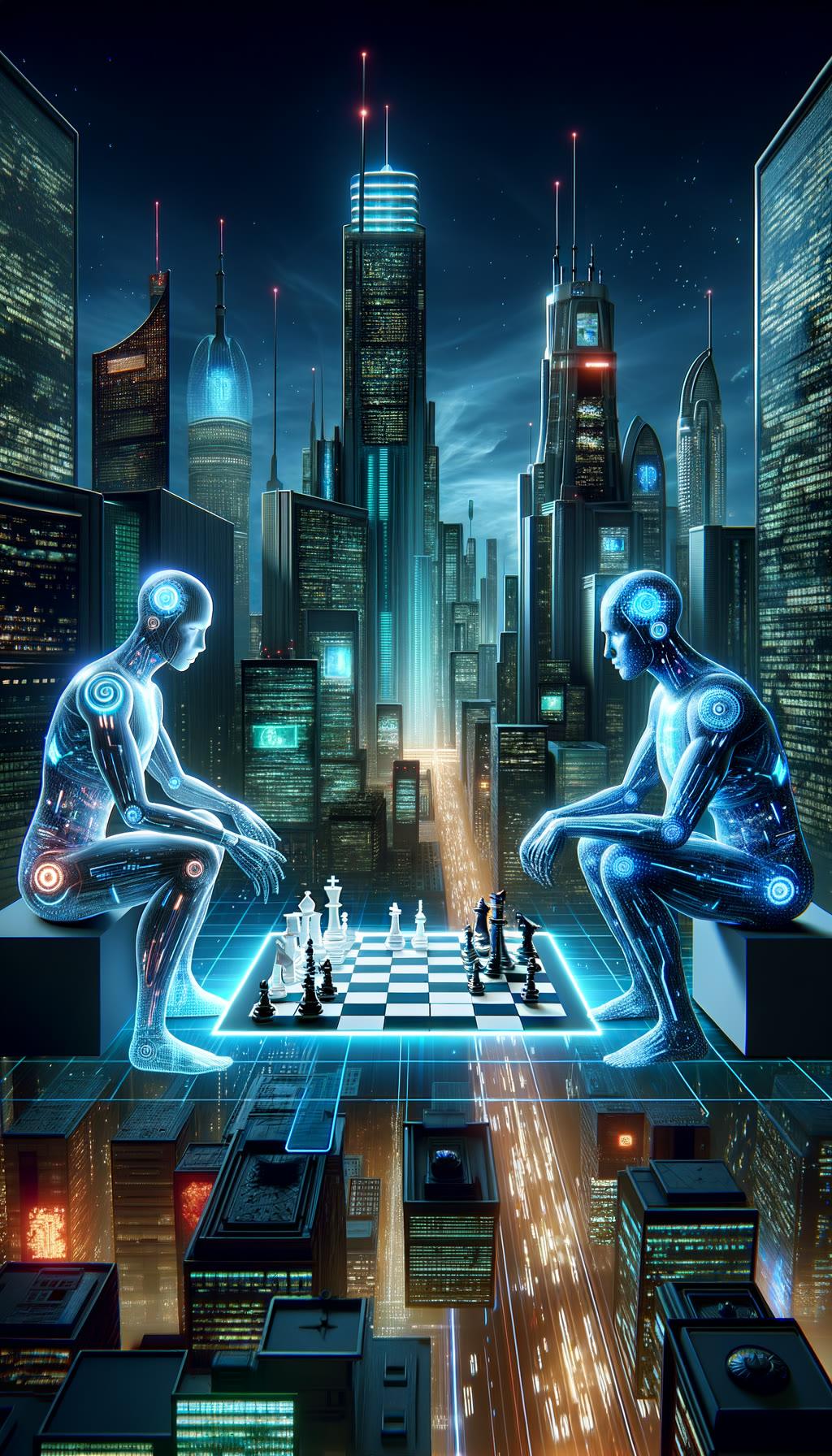
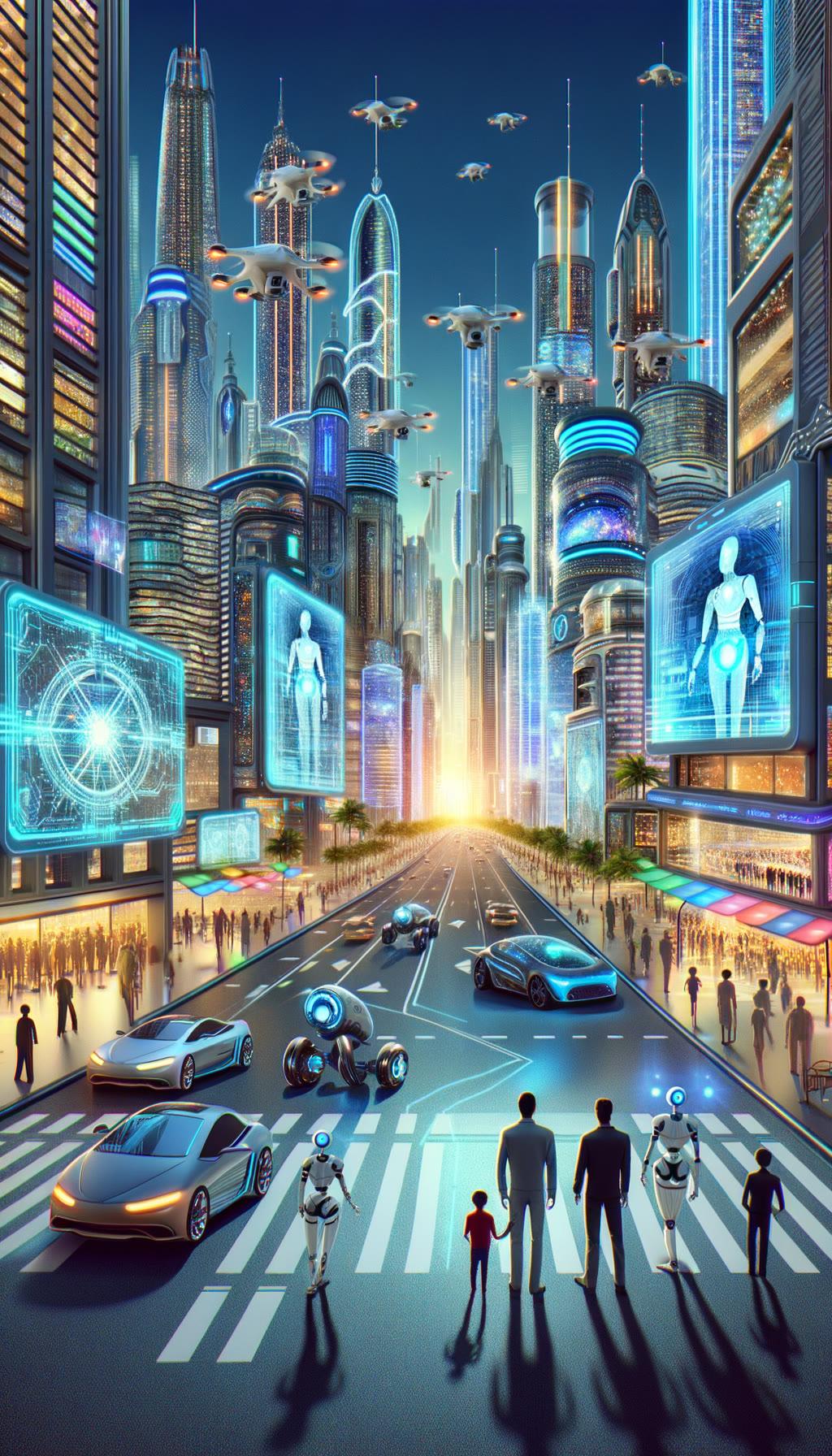
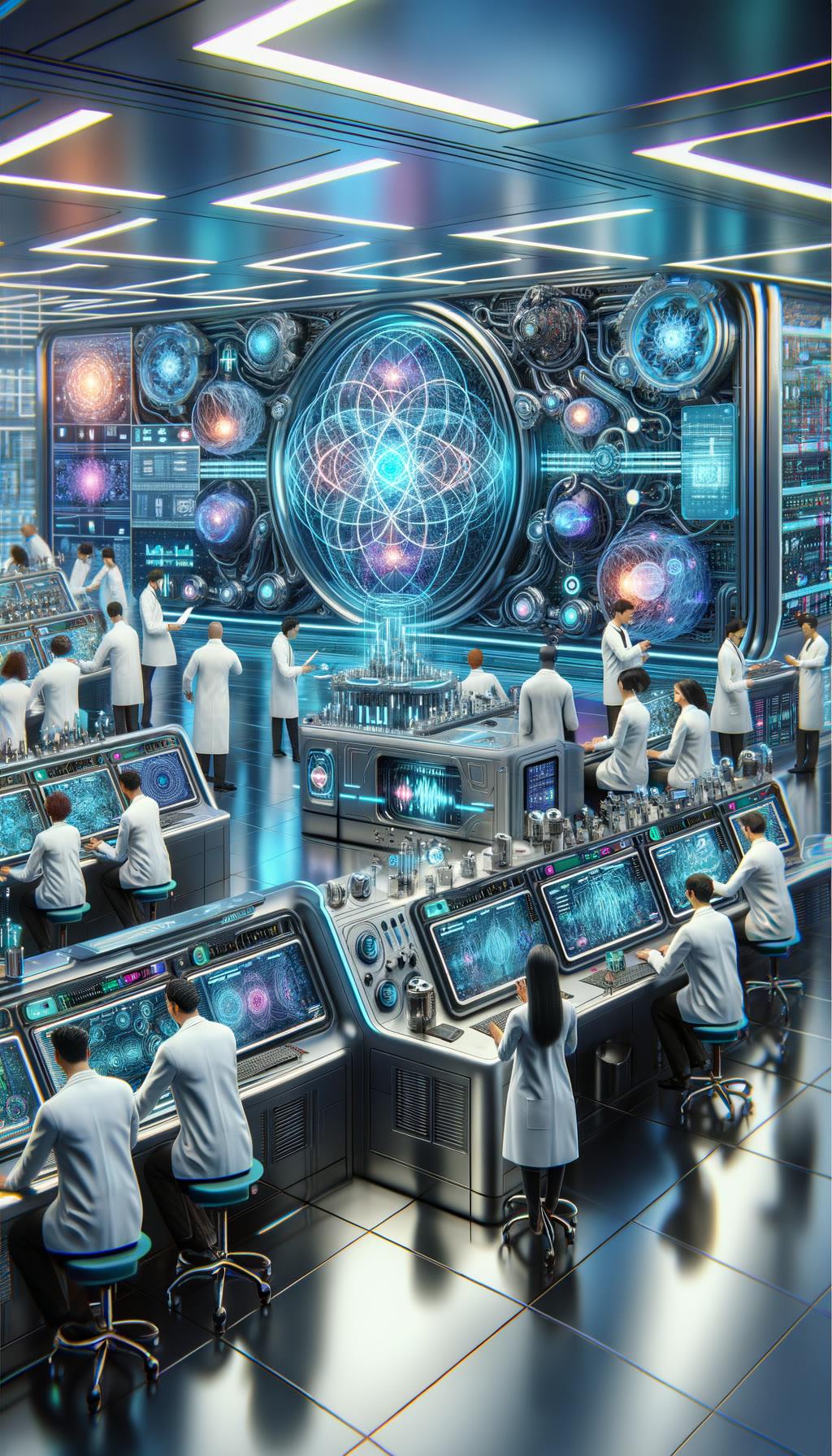
/morph visualize outputs.Don’t be
an NPC.
Write your first command here, copy it, then paste it into the server once you are in.